#005DA6
7 BREW REWARDS
Sip. Earn. Repeat.
Join 7 Brew Rewards to earn points for free drinks, exclusive offers, and birthday perks. Get even more with the 7 Brew app.
Download 7 Brew App
Popup
Log In Or Sign Up
https://rewards.7brew.com/sign-in
App Store
Play Store
How It Works

JOIN 7 BREW REWARDS
Sign up in seconds using your phone number. No card needed, no catch.

EARN POINTS ON DRINKS
Every drink gets you 100 points toward your next reward.

REDEEM REWARDS
Redeem your points for free drinks, exclusive merch, and more!
background
linear-gradient(94.8deg, rgba(0,61,165,0.3) -3.62%, rgba(104,189,229,0) 49.59%, rgba(0,61,165,0.3) 103.82%), linear-gradient(0deg, #6DC3E8, #6DC3E8)
Text color
#FFFFFF
Title
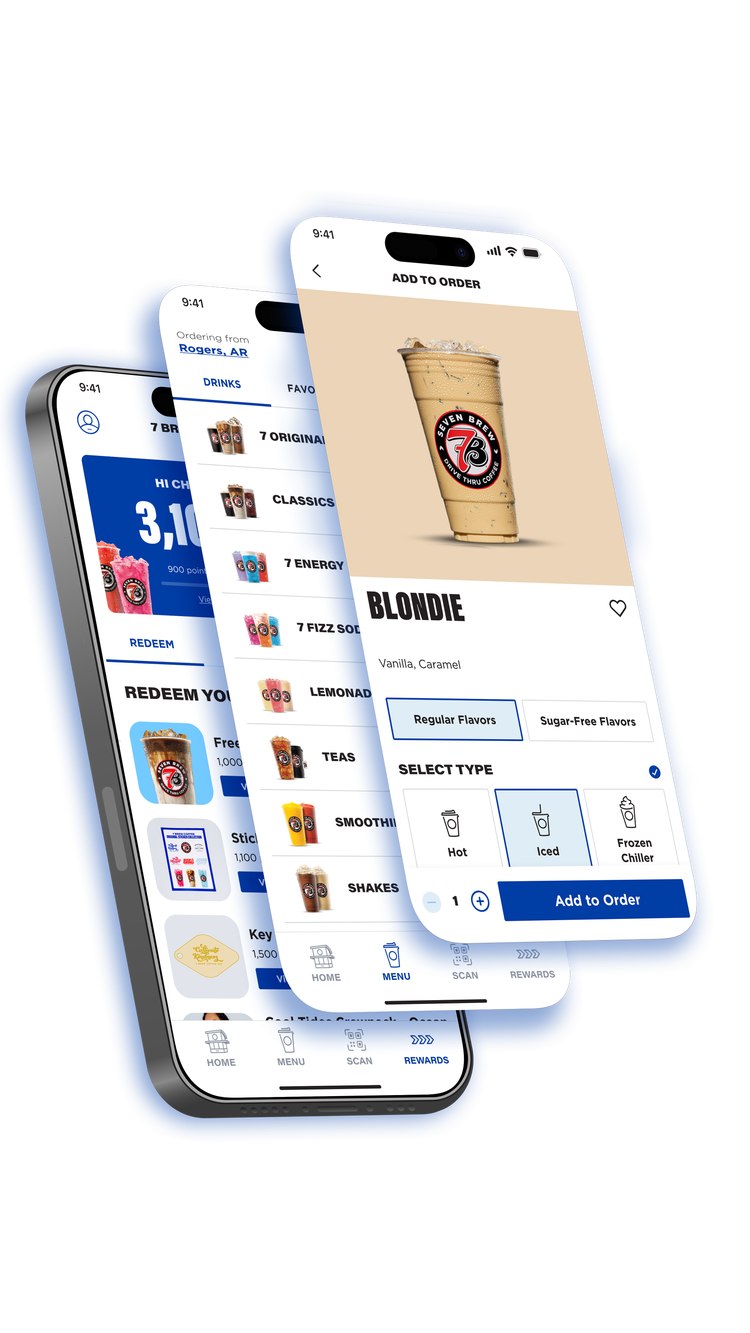
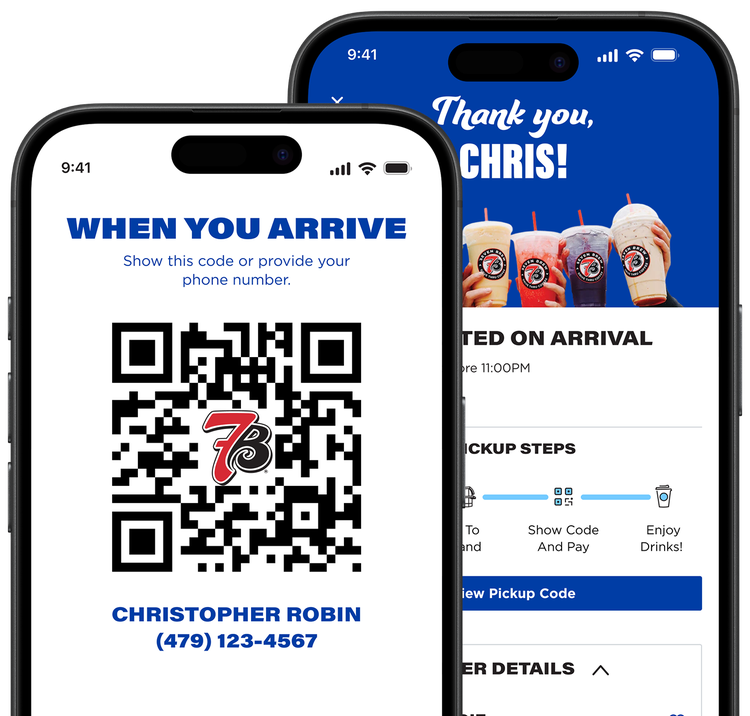
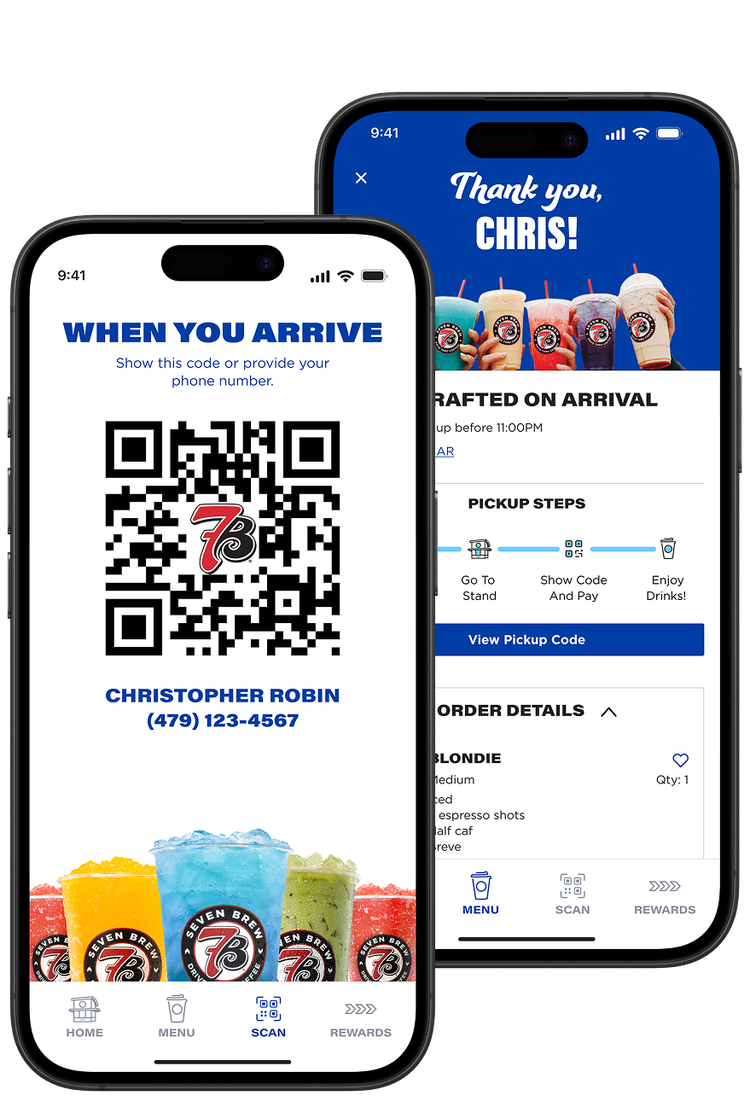
ORDER AHEAD
Title Font
acumin-pro-extra-condensed
Description Font
gotham-bold
Description
Your delicious creation, made fresh when you arrive and in your hands right after you pull up.
Image
Mobile Image
background
#FFFFFF
Text Side
right
Text color
#231F20
Title
EXPLORE THE MENU
Title Font
acumin-pro-extra-condensed
Description Font
gotham-bold
Description
See every flavor and every drink you can only get at 7 Brew.
Image
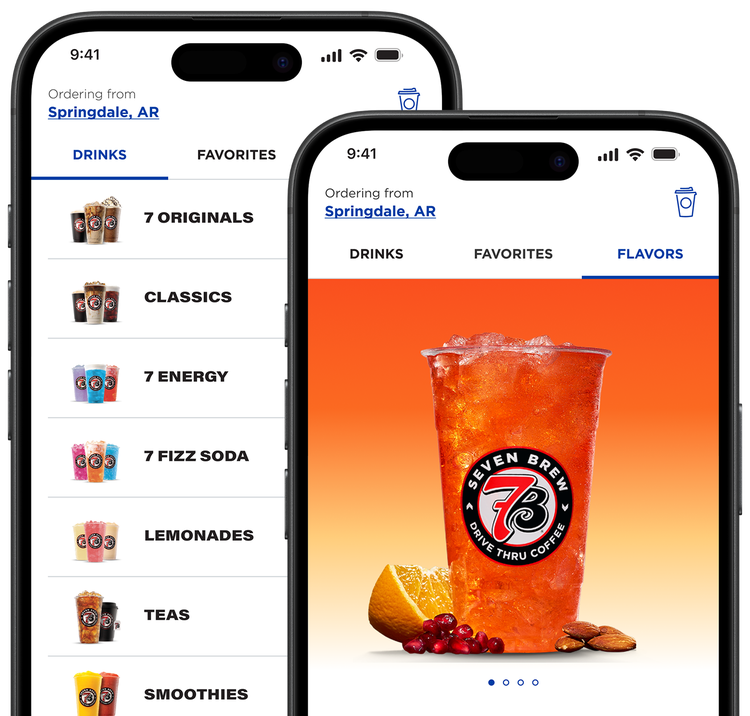
Mobile image
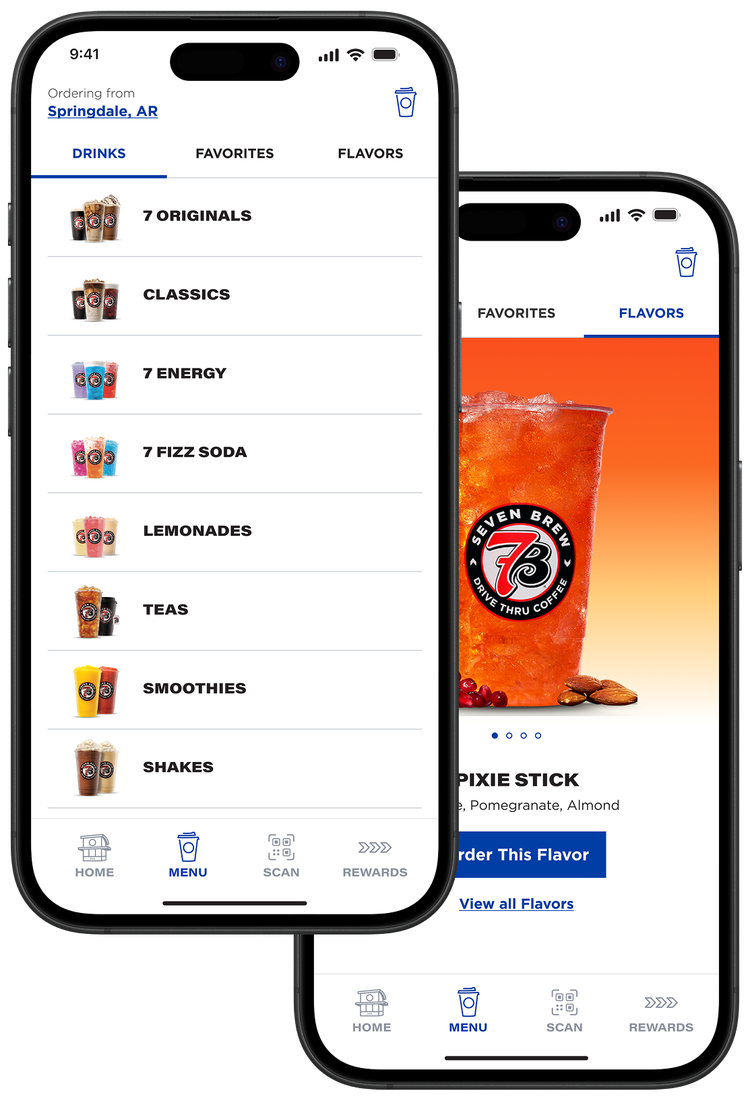
background
linear-gradient(95.23deg, rgba(109,195,232,0.3) 0.24%, rgba(50,50,50,0) 49%, rgba(109,195,232,0.3) 99.68%), linear-gradient(0deg, #003DA5, #003DA5)
Text color
#FFFFFF
Title
CUSTOMIZE YOUR DRINK
Title Font
acumin-pro-extra-condensed
Description Font
gotham-bold
Description
Quickly and easily customize your perfect drink for maximum deliciousness.
Overflow
true
Image
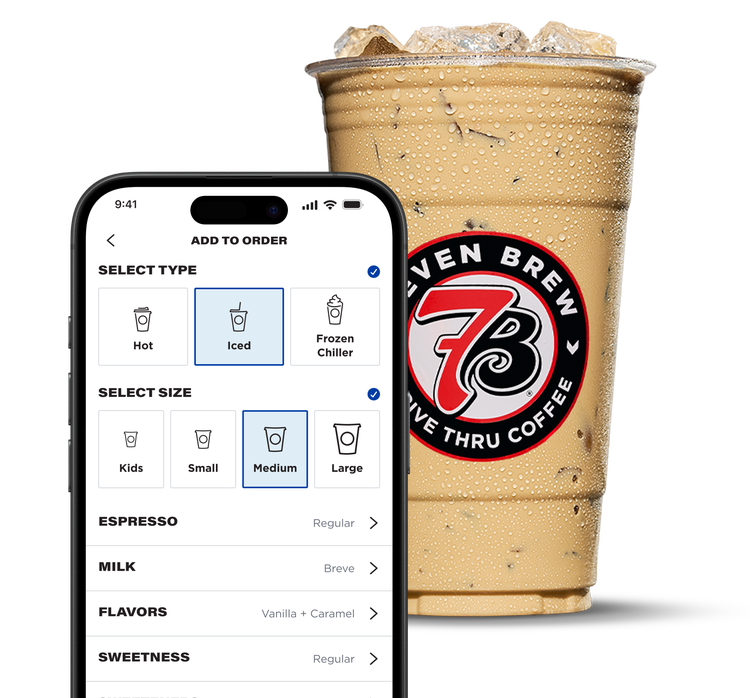
Mobile image
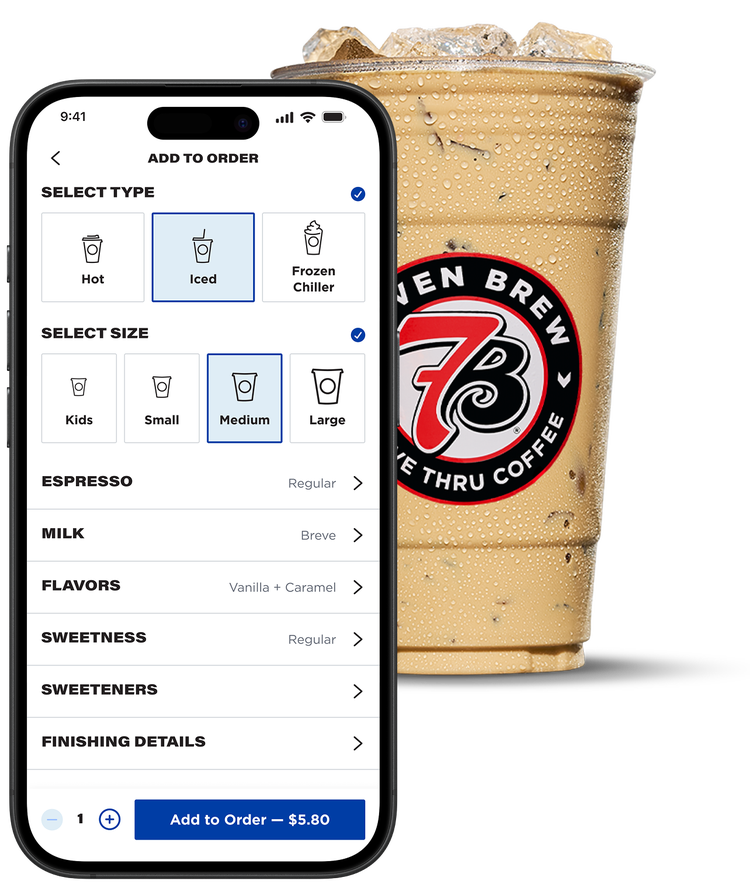
background
#FFFFFF
Text Side
right
Text color
#231F20
Title
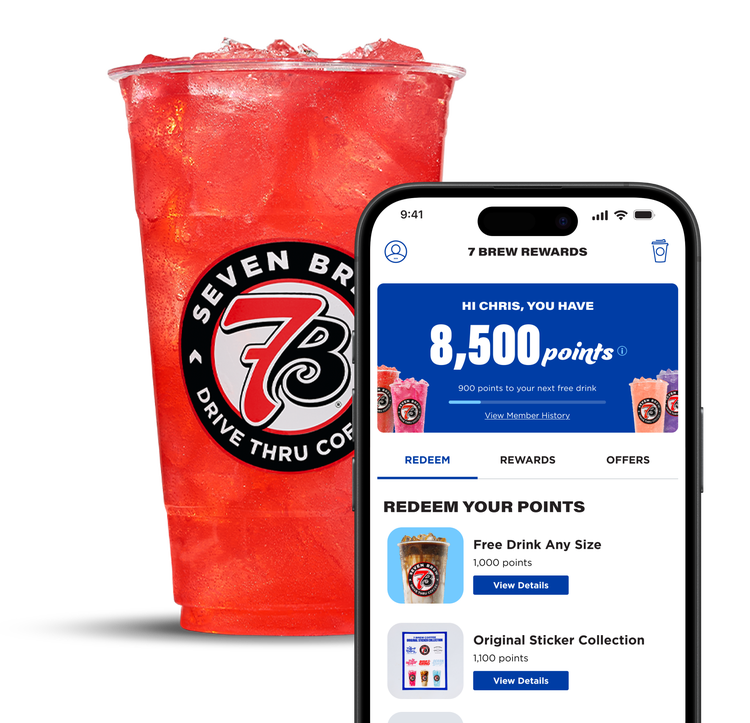
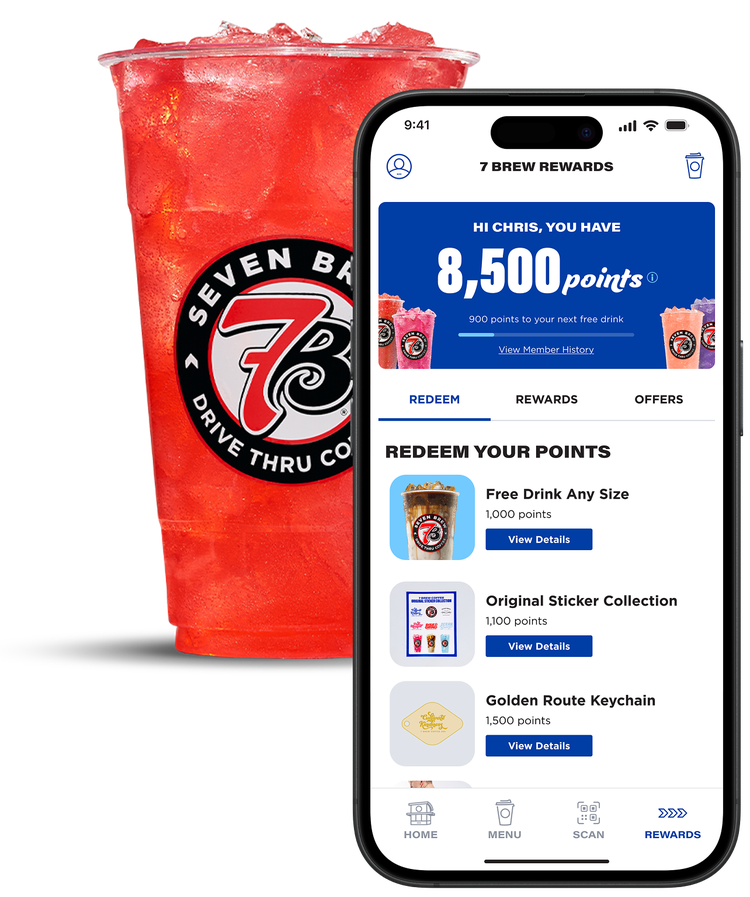
EARN & REDEEM REWARDS
Title Font
acumin-pro-extra-condensed
Description Font
gotham-bold
Description
Earn 100 points for every drink and redeem them for free drinks, exclusive merch, and more.
Image
Overflow
true
Mobile image
Bottom Border
yes
UNLOCK EXCLUSIVE MERCH
acumin-pro-extra-condensed: #231F20
Use your points to score exclusive 7 Brew merch and limited-edition rewards.
gotham-bold: #231F20
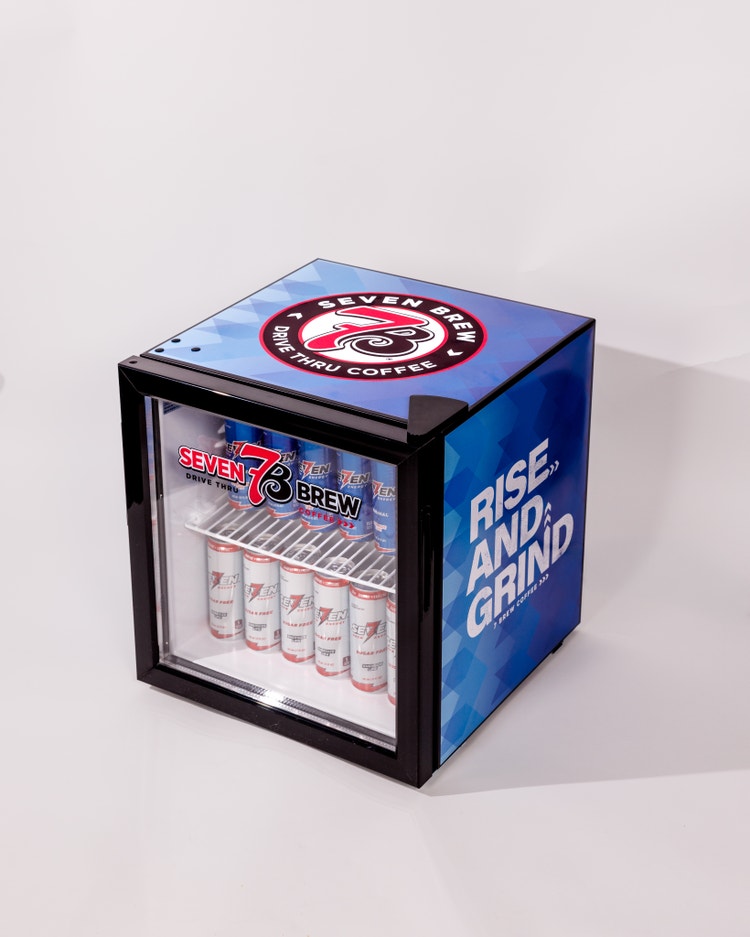
Brew & Chill Mini Fridge
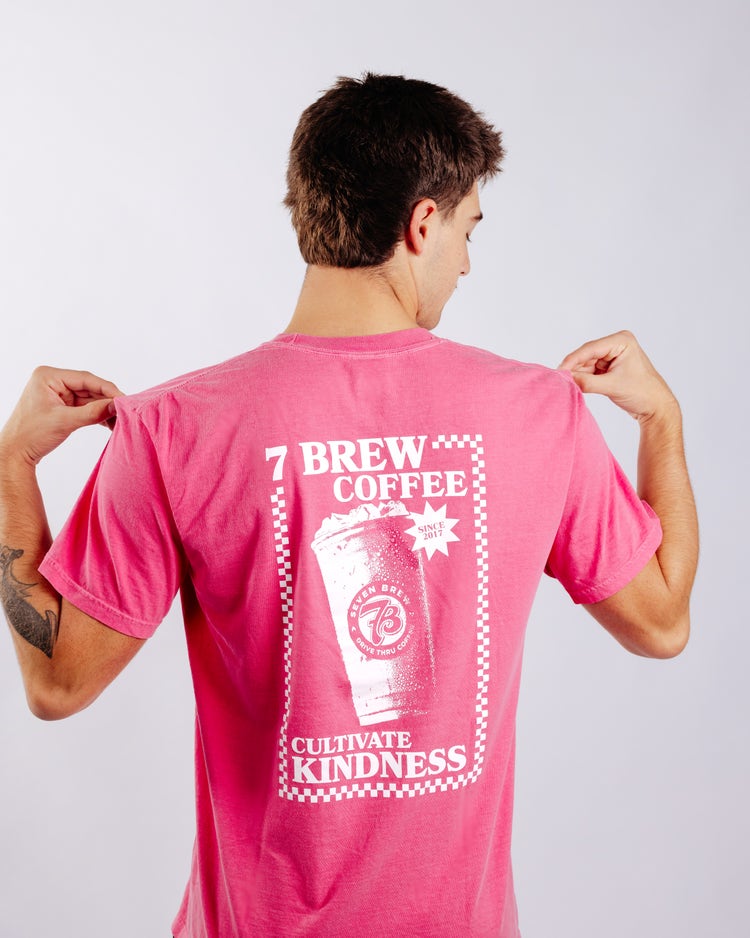
Founding Pour T-Shirt - Pink
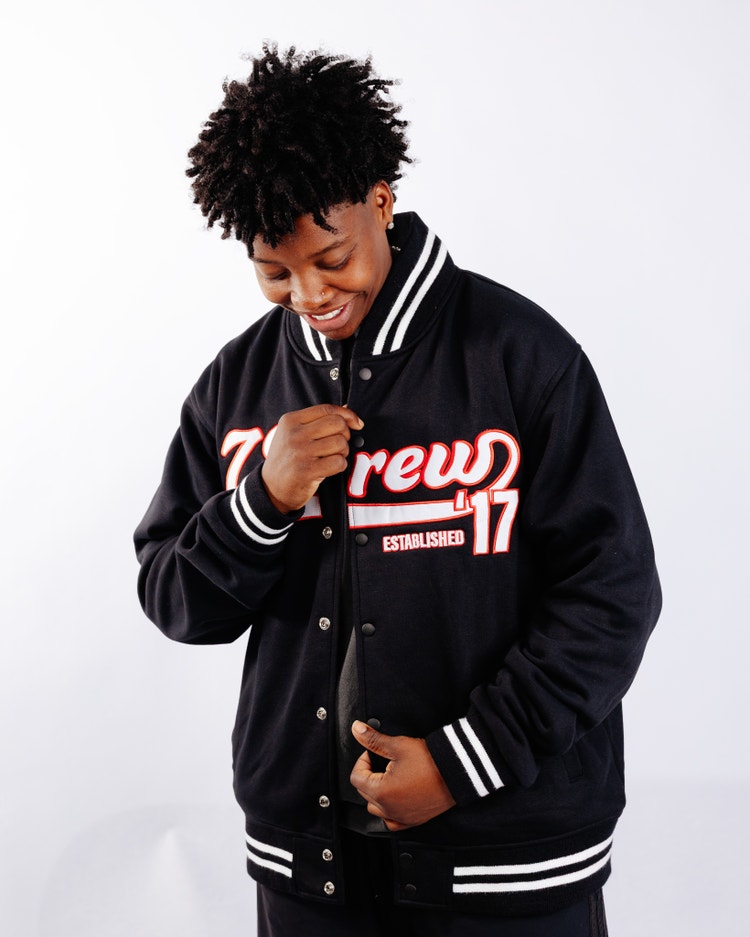
7 Originals Letterman Jacket
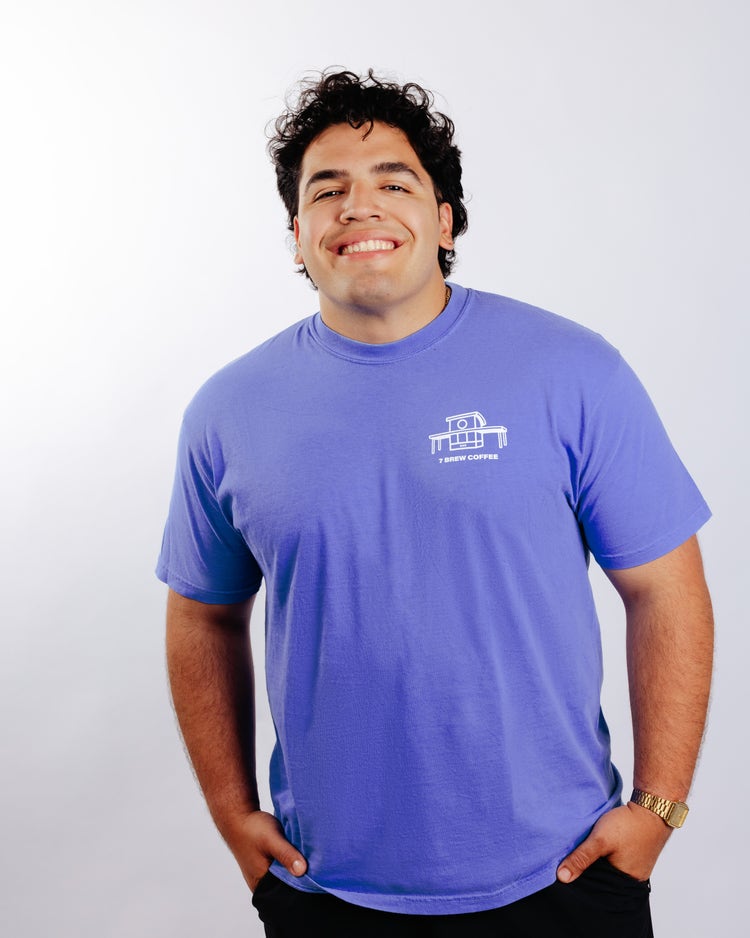
Founding Pour T-Shirt - Blue
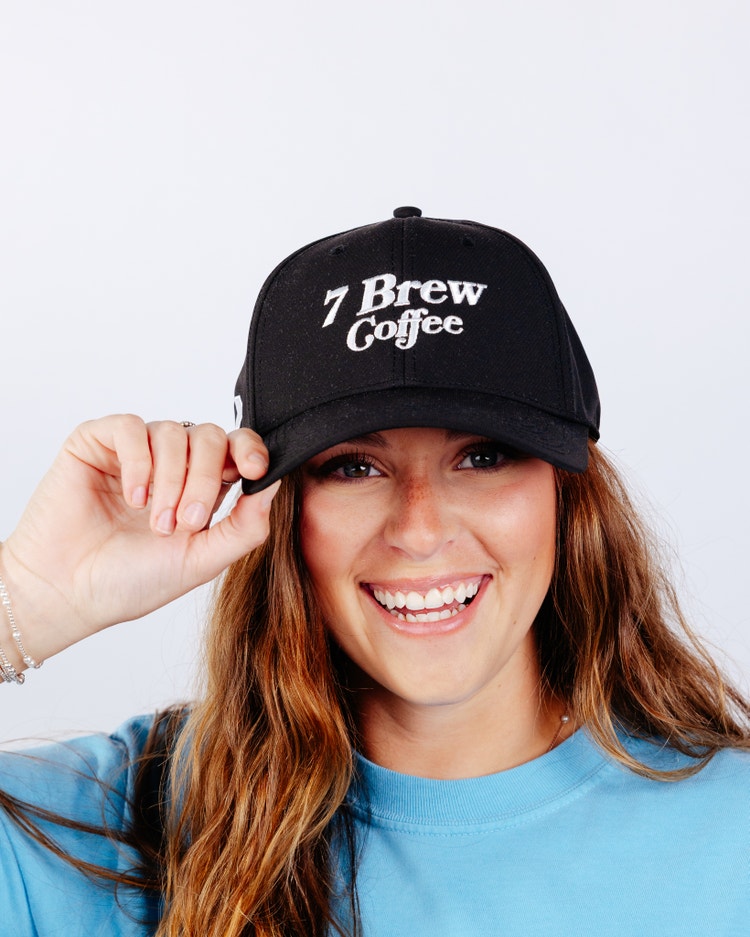
Brew Access Baseball Cap
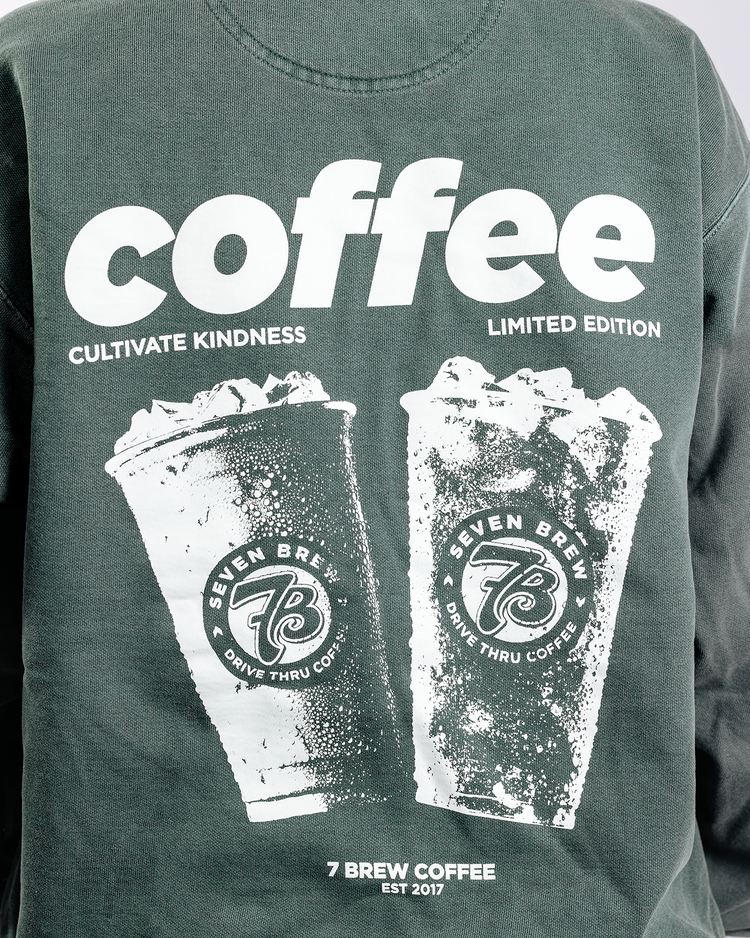
Coffee Chat Crewneck
Title: REWARDS FAQs
Background: white
Border-color: black
Header-color: #005ea7
Header-font:acumin-pro-extra-condensed
Where can I download the 7 Brew App?
You can download the app for free on the iPhone App Store or Android in the Google Play Store.
Is the app free to use?
The app is free to download and no purchase is necessary when using the app.
Is the app available for both iPhone and Android phones?
The app is easy to download on both iPhone and Android phones.
Do I need to create a 7 Brew Rewards account to use the app?
You do not need an account to explore the app, but a valid 7 Brew Rewards account is required to place a drink order. To sign up for a 7 Brew Rewards account, visit 7brew.com/rewards.
Do I have to download the app to use my 7 Brew Rewards account?
No, you do not need to download the app to continue using your 7 Brew Rewards account. You can still earn and redeem rewards just as you always have. To redeem your points, simply log in to your account at 7brew.com/rewards. Keep in mind that rewards are no longer automatically applied when you reach 1,000 points. Instead, you'll be able to choose which reward offer you'd like to redeem using your available points.
How does mobile ordering work on the app?
To place an order ahead in the 7 Brew app, simply select the location you’d like to visit, choose your drinks, and customize them just the way you like. When you arrive at the drive thru, let your Brewista know you placed an order through the app. They’ll check you in and process your payment so your drinks can be prepared fresh and ready for you to enjoy.
Can I pay for my drink order on the app?
Payment for drinks ordered through the 7 Brew app is completed at the drive-thru when a Brewista checks you in.
How soon can I order ahead?
You can place an order ahead anytime during your local stand’s operating hours. Simply place your order when it’s convenient for you and be sure to pick it up the same day, as all mobile orders are removed at the end of each day.
How can reorder my favorite drinks?
With the 7 Brew app, ordering your favorite drinks is easier than ever. Your recently ordered drinks will appear at the top of the ordering menu for quick access. You can also tap the heart icon on any drink to save it to your Favorites tab, making it easy to find and reorder your go-to drinks anytime.
Can I place multiple orders for pickup?
No. Mobile orders can only be placed one at a time. Once your current order has been completed, you can place another order.
What if I placed my order at the wrong location or need to edit my drink(s)?
No worries! You can cancel the order and place a new one.
Is anything changing with the 7 Brew Rewards Program?
The 7 Brew Rewards program works just like it always has. Simply visit your local 7 Brew stand, check in or provide the phone number associated with your rewards account, and your Brewista will be able to access your account. You'll continue to earn 100 points for every drink purchased. The difference is that instead of automatically receiving a free drink at 1,000 points, you'll be able to choose from a variety of reward offers. The more points you earn, the more reward options become available, giving you even more ways to enjoy your points.
How do I redeem my points?
To redeem your points, tap the Rewards tab at the bottom of the app. There, you'll be able to view your total points balance and explore the reward offers available to you. As you earn more points, additional reward options will unlock, giving you even more ways to redeem your rewards.
Will my current free drinks turn back into points in the app?
No. Any free drinks currently saved to your account will remain available as free drinks and will not be converted back into points.
Do points and free drinks expire?
Yes. Points and free drinks will expire if there has been no purchase made using your 7 Brew Rewards account for 365 consecutive days.
Will my points from before the app still count?
Yes. All points currently in your 7 Brew Rewards account will automatically transfer to the app. Any free drinks already saved to your account will also transfer and remain available as free drinks.
What are the new 7 Brew Rewards options that I can redeem my points for?
Once you reach 1,000 points, you can redeem your points for a free drink or continue saving them for even more reward options. As you earn more points, you'll unlock additional rewards, including exclusive 7 Brew merchandise such as keychains, t-shirts, sweatshirts, and more. The more points you save, the more choices you'll have.
What should I do if the app isn’t working?
If you experience any issues with the 7 Brew app, please contact us through the form at 7brew.com/support and select “App” from the Subject dropdown. Our team will review your issue and assist you as quickly as possible.
Who do I contact if I have trouble with an order?
If you need help with a mobile order, please reach out through the contact form at 7brew.com/support and select “App” from the Subject dropdown. Our team will be happy to assist you.
What if my points or rewards look incorrect?
If your points balance or rewards do not appear to be correct, please submit a request through 7brew.com/support and select “App”from the Subject dropdown. Our team will investigate and help resolve the issue.
How do I report a bug or give feedback?
We’d love to hear from you. To report a bug or share feedback about the app, please use the contact form at 7brew.com/support and select “App” from the Subject dropdown. Our team will review your submission and follow up if needed.
Can I delete my account?
Yes. If you would like to delete your account, please submit a request through 7brew.com/support and select “App” from the Subject dropdown. Our team will assist you with the account deletion process.
Why does the app appear cut off or make it difficult to navigate?
We're aware that some Android users may experience display or navigation issues on certain devices, and our team is actively working on a fix.
If buttons are missing, content appears cut off, or you're having trouble navigating the app, try the following:
-Adjust your Font Size, Display Size, or Screen Zoom settings under Settings → Display.
-Switch between Navigation Buttons and Swipe Gestures in your device's navigation settings.
-Close and reopen the app after making any changes.
We appreciate your patience as we work to improve the experience.
Do 7 Brew Energy cans and kids sized drinks qualify for points?
As of August 12, 2026, rewards points are earned on qualifying small, medium, and large drinks and no longer apply to 7 Brew Energy cans or kids sized drinks.